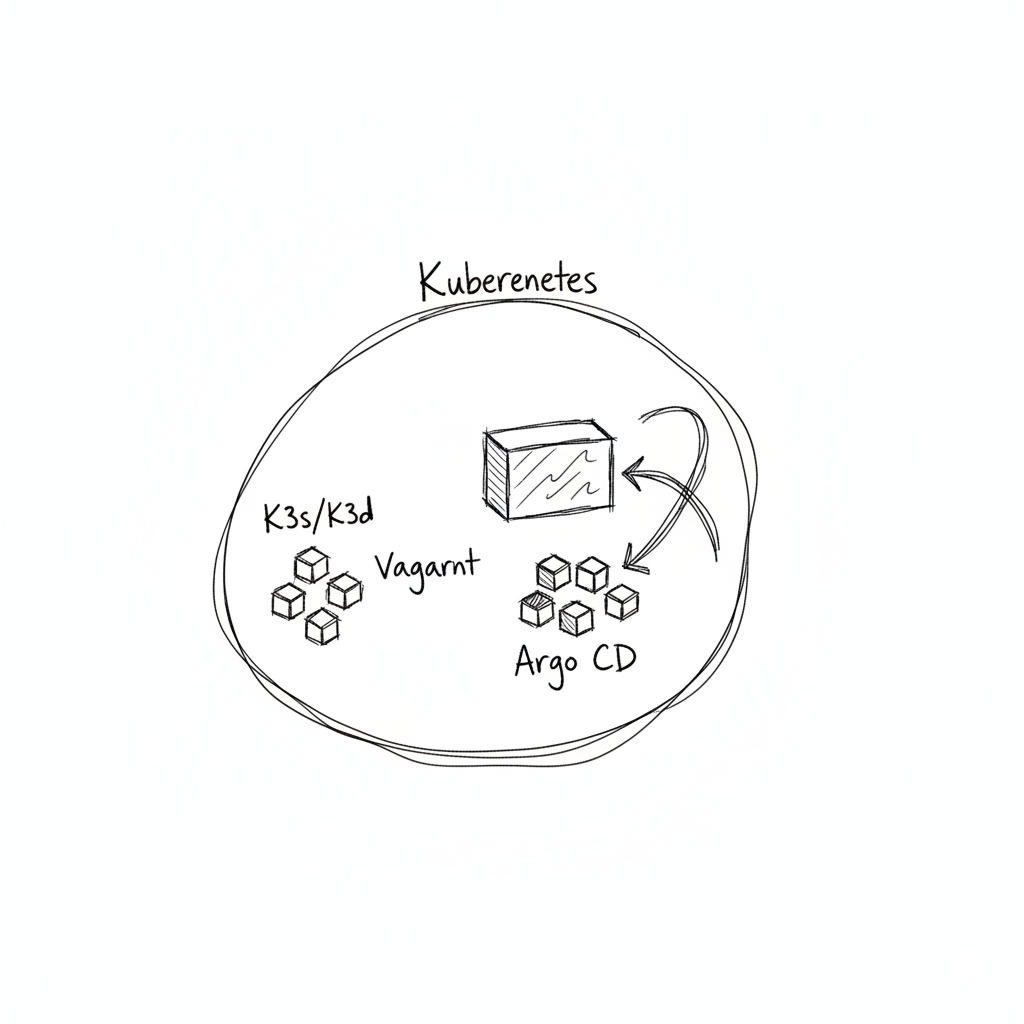
Inception-of-Things (IoT)
A minimal introduction to Kubernetes using K3s, K3d, Vagrant, and Argo CD — completed with the full bonus (local GitLab replacing GitHub as the GitOps source).
Overview
| Part | Description | Key Tools |
|---|---|---|
| p1 | K3s cluster with 1 server + 1 worker node via Vagrant | Vagrant, K3s, VirtualBox |
| p2 | 3 apps with host-based Ingress routing on a single K3s node | Vagrant, K3s, Traefik, nginx |
| p3 | GitOps pipeline with K3d and Argo CD (GitHub source) | K3d, Docker, Argo CD v2.10.5 |
| bonus | Full stack with local GitLab replacing GitHub as GitOps source | K3d, Docker, Helm, GitLab, Argo CD |
Project Structure
.
├── p1/
│   ├── Vagrantfile           # 2-machine cluster: mmaqbourS + mmaqbourSW
│   └── scripts/
│       ├── server.sh         # K3s controller setup, exports node token
│       └── worker.sh         # K3s agent setup, joins via node token
│
├── p2/
│   ├── Vagrantfile           # Single-node K3s server
│   ├── scripts/
│   │   └── install.sh        # K3s install + kubectl apply all confs
│   └── confs/
│       ├── app1.yaml         # Deployment + Service for app-one (1 replica)
│       ├── app2.yaml         # Deployment + Service for app-two (3 replicas)
│       ├── app3.yaml         # Deployment + Service for app-three (1 replica, default)
│       └── ingress.yaml      # Traefik Ingress: app1.com → app-one, app2.com → app-two, default → app-three
│
├── p3/
│   ├── scripts/
│   │   └── install.sh        # Docker + kubectl + K3d + Argo CD install script
│   └── confs/
│       ├── argocd/
│       │   ├── argocd-app.yaml   # Argo CD Application (GitHub source → dev namespace)
│       │   └── ingress.yaml      # Traefik Ingress for argocd.local
│       └── app/
│           ├── deployment.yaml   # wil42/playground:v1 in dev namespace
│           ├── service.yaml      # ClusterIP on port 8888
│           └── ingress.yaml      # Traefik Ingress for myapp.local
│
└── bonus/
    ├── scripts/
    │   └── install.sh        # Full stack: Docker + K3d + Helm + GitLab + Argo CD
    └── confs/
        ├── argocd/
        │   ├── argocd-app-gitlab.yaml  # Argo CD Application (GitLab source)
        │   └── ingress.yaml            # Traefik Ingress for argocd.local
        ├── gitlab/
        │   └── ingress.yaml            # Traefik Ingress for gitlab.local
        └── app/
            ├── deployment.yaml         # wil42/playground:v1 in dev namespace
            ├── service.yaml
            └── ingress.yaml            # Traefik Ingress for myapp.local
Part 1 — K3s Cluster with Vagrant
Two VMs provisioned automatically via Vagrant on VirtualBox running Debian 13 (bento/debian-13).
| Machine | Hostname | IP | Role |
|---|---|---|---|
| Server | mmaqbourS | 192.168.56.110 | K3s controller |
| Worker | mmaqbourSW | 192.168.56.111 | K3s agent |
Both VMs use 1 CPU and 1024 MB RAM. SSH access is passwordless via Vagrant's default key pair.
How the token is shared: server.sh writes the K3s node token to /vagrant/confs/node-token (a shared folder). worker.sh polls for that file before starting the agent — no hardcoded token, no race condition.
cd p1
vagrant up          # provisions both VMs sequentially (VAGRANT_NO_PARALLEL=yes)
vagrant ssh mmaqbourS
kubectl get nodes -o wide
Part 2 — Host-Based Ingress Routing
A single K3s server VM (mmaqbourS, 192.168.56.110) runs 3 nginx-based applications. Traefik routes requests based on the Host header.
| Host | App | Replicas |
|---|---|---|
app1.com | app-one | 1 |
app2.com | app-two | 3 |
| (any other) | app-three (default) | 1 |
Apps are plain nginx containers with a custom index.html injected at startup — no custom Docker images required.
cd p2
vagrant up

# Test from your host machine:
curl -H "Host: app1.com" http://192.168.56.110    # → "This is app 1"
curl -H "Host: app2.com" http://192.168.56.110    # → "This is app 2"
curl http://192.168.56.110                         # → "This is app 3" (default)

# Verify app2 replicas:
vagrant ssh mmaqbourS -c "kubectl get pods"
# app-two-* should show 3/3 Running
Part 3 — K3d + Argo CD (GitOps with GitHub)
No Vagrant. Everything runs inside a K3d cluster (iot-cluster) on your local machine using Docker.
Namespaces:
| Namespace | Contents |
|---|---|
argocd | Argo CD v2.10.5 |
dev | wil42/playground app, auto-deployed by Argo CD |
GitOps source: https://github.com/MohamedMQ/mmaqbour_ception
Argo CD watches the repo's HEAD and automatically syncs (with prune and selfHeal enabled). To update the deployed version, edit deployment.yaml in the GitHub repo and push — Argo CD picks up the change automatically.
cd p3
bash scripts/install.sh
# Script prints the Argo CD admin password at the end

# Access Argo CD UI:
# Add to /etc/hosts: 127.0.0.1 argocd.local
# Then open: http://argocd.local

# Test the app:
curl http://localhost:8888/    # {"status":"ok", "message": "v1"}

# Update to v2 — edit deployment.yaml in GitHub repo:
# image: wil42/playground:v1  →  image: wil42/playground:v2
# Argo CD auto-syncs within ~3 minutes

curl http://localhost:8888/    # {"status":"ok", "message": "v2"}
Bonus — Local GitLab as GitOps Source
Extends Part 3 by replacing GitHub with a self-hosted GitLab instance running inside the same K3d cluster (iot-bonus-cluster). Argo CD syncs from the local GitLab repository instead of GitHub.
Namespaces:
| Namespace | Contents |
|---|---|
argocd | Argo CD v2.10.5 |
dev | wil42/playground app, auto-deployed from local GitLab |
gitlab | GitLab CE (installed via official Helm chart) |
Key implementation details:
- GitLab is deployed using the official
gitlab/gitlabHelm chart with Traefik as the ingress provider (nginx-ingress disabled). - CoreDNS is patched with a custom
ConfigMap(coredns-custom) so thatgitlab.localresolves to the K3d server node IP — enabling Argo CD to reach GitLab by hostname from inside the cluster. - GitLab Shell (SSH) is exposed on port
2223via the K3d load balancer. - Argo CD Application points to
http://gitlab.local/root/argo-cd.git.
cd bonus
bash scripts/install.sh
# Script prints Argo CD and GitLab credentials at the end

# Add to /etc/hosts:
# 127.0.0.1 gitlab.local argocd.local myapp.local

# Access services:
# GitLab  → http://gitlab.local   (user: root, pass: printed by script)
# Argo CD → http://argocd.local   (user: admin, pass: printed by script)
# App     → http://myapp.local

# GitOps workflow — update version via GitLab:
# Edit deployment.yaml in the GitLab repo (root/argo-cd)
# Change image tag v1 → v2
# Argo CD auto-syncs → app updates automatically
Prerequisites
| Tool | Part |
|---|---|
| VirtualBox | p1, p2 |
| Vagrant | p1, p2 |
| Docker | p3, bonus |
| curl, bash | all |
K3d, kubectl, Helm, and Argo CD are all installed automatically by the respective install.sh scripts. No manual tool installation needed for p3 or bonus.
Disclaimer
This project was completed on a local machine for educational purposes as part of the 42 school curriculum. Do not run these scripts on production systems.